Choosing the Right Olymam Subscription Plan: Which Plan Fits Your Pregnancy Stage?
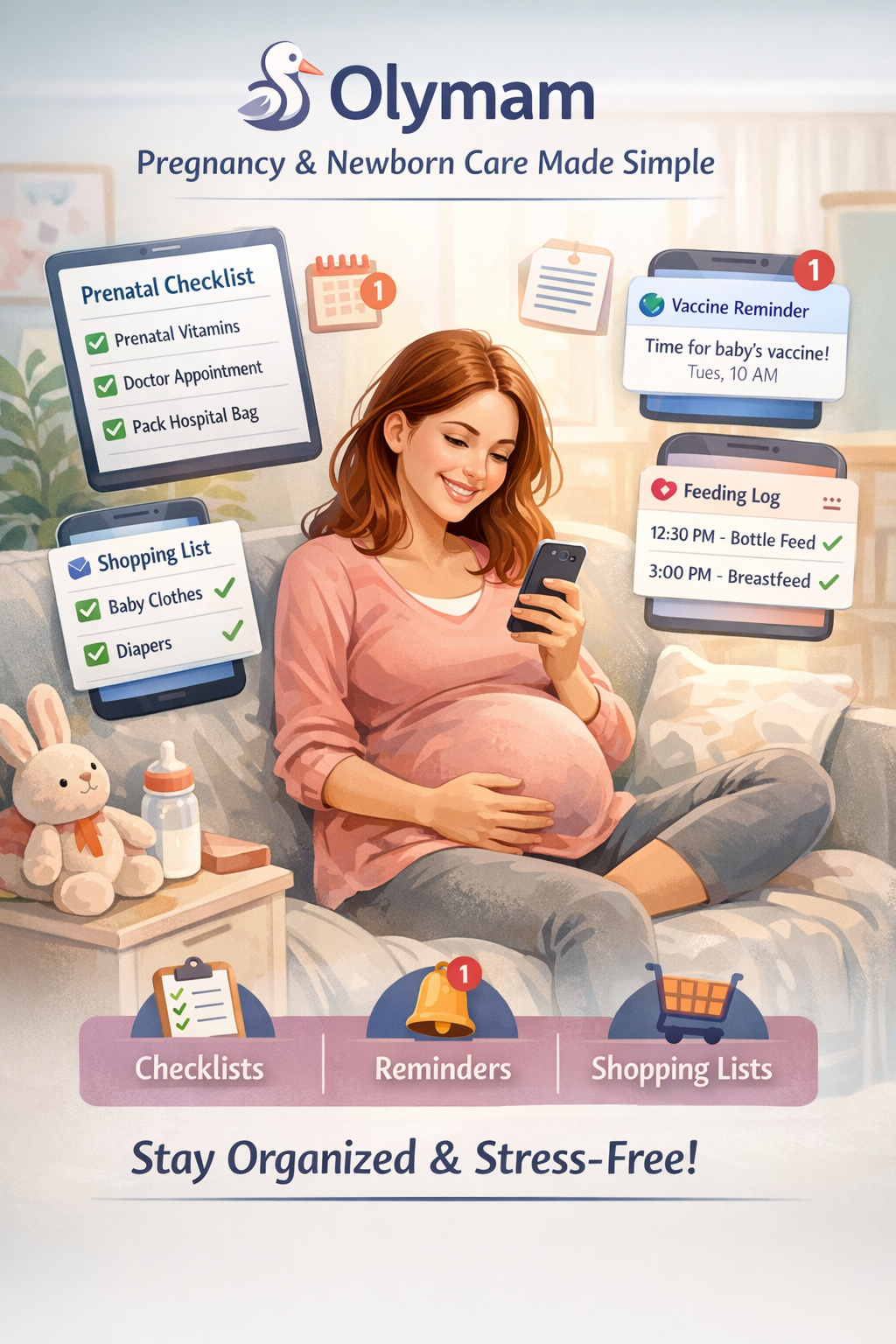
Pregnancy has a way of turning even simple tasks into mental clutter: When do I book that appointment? What do I actually need to buy? What am I forgetting? Olymam is built to bring all of that back into focus with practical tools—checklists, reminders, and shopping lists designed for pregnancy and newborn care. If you want a quick overview of what the app does, start here: Olymam home — app overview.
This guide helps you match Olymam subscription plans to what you need in each trimester and after birth—so you can choose based on real-life usefulness, not guesswork.
TL;DR
- Match plan features (checklists, reminders, shopping lists) to your trimester or newborn needs.
- Look for plans that prioritize automated reminders and customizable checklists when anxiety or busy schedules spike.
- Check Olymam’s pricing page to confirm billing, trial availability, and exact plan limits before subscribing: Olymam Pricing | Choose the best plan.
Key takeaways
- Olymam plans differ mainly by access to premium tools and levels of ongoing support—align features, not just price, to your stage.
- Early pregnancy benefits from educational checklists; mid/late pregnancy needs actionable preparation and appointment reminders.
- Postpartum/newborn care prioritizes vaccine reminders, feeding logs, and quick-shopping lists.
- If you're unsure, pick the plan that covers reminders and unlimited checklists—those features deliver the most everyday value.
- Always confirm current offers, billing cadence, and cancellation policy on the official pricing page before committing: https://www.olymam.com/pricing/.
Quick plan comparison: what changes between tiers
Across Olymam subscription plans, the biggest changes between tiers usually come down to how much the app can carry for you.
Higher tiers typically unlock more advanced reminder automation, more customizable (often unlimited) checklists, newborn-focused tools (like feeding logs and vaccine tracking), and faster access to any premium support—while lower tiers focus on core checklists and basic reminders.
Which plan fits each pregnancy stage
Trimester 1: learning and early tracking
First trimester can feel like drinking from a firehose—new terms, new timelines, and a lot of “wait, is this normal?” moments.
At this stage, the best fit is usually the plan that gives you structured, educational checklists and the ability to create or save plenty of your own checklists. That way, your early essentials (appointments, supplements, screening dates) live in one place—without you having to re-remember them every week.
Trimester 2: appointment prep and checklist expansion
Second trimester is often when life gets busy again—while the pregnancy “to-do list” quietly grows in the background.
A plan with stronger reminder options and expandable templates tends to shine here: scheduling scans and tests, building out nursery checklists, and starting shopping lists before things get urgent. Before you commit, double-check what each tier includes and any limits on the pricing page: Olymam Pricing | Choose the best plan.
Trimester 3: hospital prep, packing, and last-minute reminders
Third trimester is when preparation gets real—and when mental bandwidth can drop fast.
This is where automated, repeat, and last-minute reminders matter the most. Consider upgrading if you want hospital-bag templates, priority support, and time-based reminders that nudge you at the right moment (instead of relying on your memory when you’re tired and time feels tight).
Postpartum & newborn: vaccine reminders and feeding logs
After birth, days can blur together. You’re not trying to be “organized”—you’re trying to get through the next feeding, the next nap, the next appointment.
For this phase, choose the tier that highlights vaccine reminders, feeding/diaper logs, and newborn-specific checklists. Since newborn tools can vary by tier, confirm what’s included on the products page: Olymam Features | Smart tools & checklists.
Key features to prioritize (checklists, reminders, shopping lists)
If you’re stuck between Olymam plans, focus on the features that remove the most daily friction:
- Checklists: Prioritize customizable and reusable templates. They turn “I should…” into clear next steps—and they stay useful from trimester one through postpartum.
- Automated reminders: This is often the day-to-day difference maker. Set reminders once, then let the app do the remembering—appointments, vaccine shots, medication, and “don’t forget the hospital bag” deadlines.
- Shopping lists: Lists connected to your checklists help prevent the classic late-night panic: We need that one thing and we’re out of time. They also keep nursery setup and packing more organized.
Higher tiers usually add more flexible or unlimited checklists, more advanced reminder rules (like repeats or smart nudges), and more newborn-focused tools. To match features to your needs, review the full overview here: Olymam Features | Smart tools & checklists.
Trials, billing cadence, and how to evaluate value
Before subscribing, take two minutes to confirm the details that affect your real cost—and your flexibility:
- Trials and refunds: Offers and policies can change, so always check the pricing page for current trial and refund details before you subscribe: https://www.olymam.com/pricing/.
- Monthly vs. annual billing: Annual billing may lower the monthly cost, but choose what fits your timeline. If you’re late in pregnancy, a monthly option may align better with your needs.
- Value = feature fit: Evaluate by what you’ll actually use. For most people, reminders and unlimited/custom checklists come first—then support and newborn features.
How to switch, upgrade, or cancel without losing data
- Back up what matters most. If you want extra peace of mind, export, screenshot, or copy key checklists and notes.
- Use your account settings to switch tiers. Most subscriptions let you upgrade or change plans from your account dashboard. Before confirming, check for billing details (including any proration) on the pricing page.
- Ask for help if you’re unsure. If you need guidance preserving shared lists or migrating reminders, contact support from within the app or website.
- Confirm retention rules. What remains after cancellation can vary—verify in your account settings or support docs.
Decision checklist: pick the plan in 5 minutes
- Choose your top 3 must-haves: automated reminders, unlimited/custom checklists, newborn tracking.
- Confirm billing and trial details: check monthly vs. annual pricing and any trial offer on the pricing page: https://www.olymam.com/pricing/.
- Start small (or commit with confidence): pick the lowest plan that covers your must-haves, knowing you can upgrade later.
If you want extra stage-by-stage prep ideas and guides, browse: Olymam Blog — pregnancy tips & guides.
Additional resources
- Full pricing and plan comparison: Olymam Pricing | Choose the best plan
- Features and tools overview: Olymam Features | Smart tools & checklists
- App overview and getting started: Olymam home — app overview
FAQ
Q: Can I change my Olymam plan mid-pregnancy?
A: Yes—plans can be upgraded or changed through your account settings; review billing/proration details on the pricing page before switching.
Q: Which plan includes vaccine reminders and newborn tracking?
A: Vaccine reminders and newborn-focused tools are highlighted as core features—confirm exact availability per tier on the official products page.
Q: Is there a free trial or money-back option?
A: Trial and refund policies can vary; check the pricing page for current offers and refund details before subscribing.
Q: Will my checklists and reminders stay if I cancel?
A: Account content policies vary; export or screenshot important checklists and verify retention in your account settings or support docs.
Q: Can multiple caregivers use the same Olymam plan?
A: Olymam supports shared use cases—review product feature details for family-sharing or multi-user options on the products page.